
Welcome to 3uTools – The Ultimate iOS Management Tool
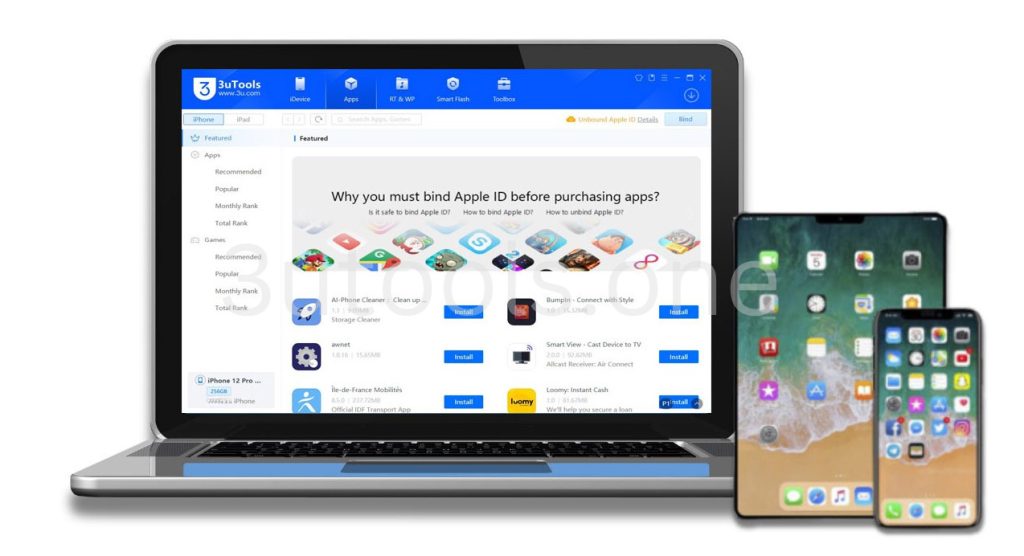
3uTools is the ideal solution for you if you want an intuitive approach to managing your iPhone or iPad. It freely allows you to get the most control, customization, and optimization features on your iOS device that iTunes simply can’t provide. Whether you just need to transfer a couple of files, flash some firmware, back up your device, or even jailbreak, 3uTools provides a straightforward download and a one-stop solution for everything.
3uTools Download
What is 3uTools?
3uTools You can use this free tool to manage any iPhone or iPad. If your phone needs to transfer files, back up its data, or update its iOS, or even be jailbroken, it does this in a very friendly interface. For those of you seeking an alternative to iTunes that gives you more freedom over your iOS device, it’s definitely a solid option.
Main Features
Flash and Jailbreak
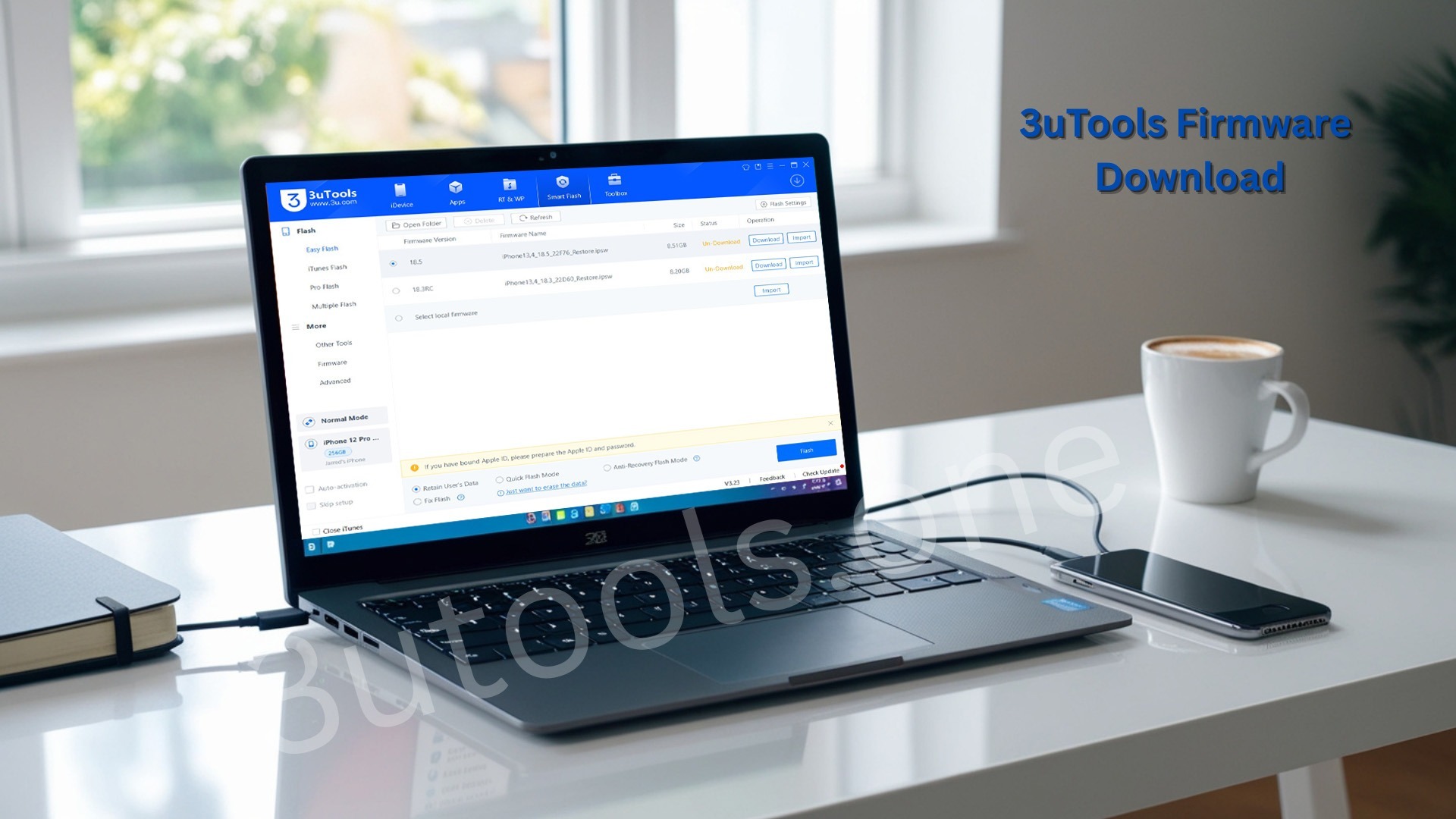
3u enables you to perform a faster flash/update to your iOS. It also allows you to jailbreak compatible devices, gaining more control over your device.
File Transfer and Management
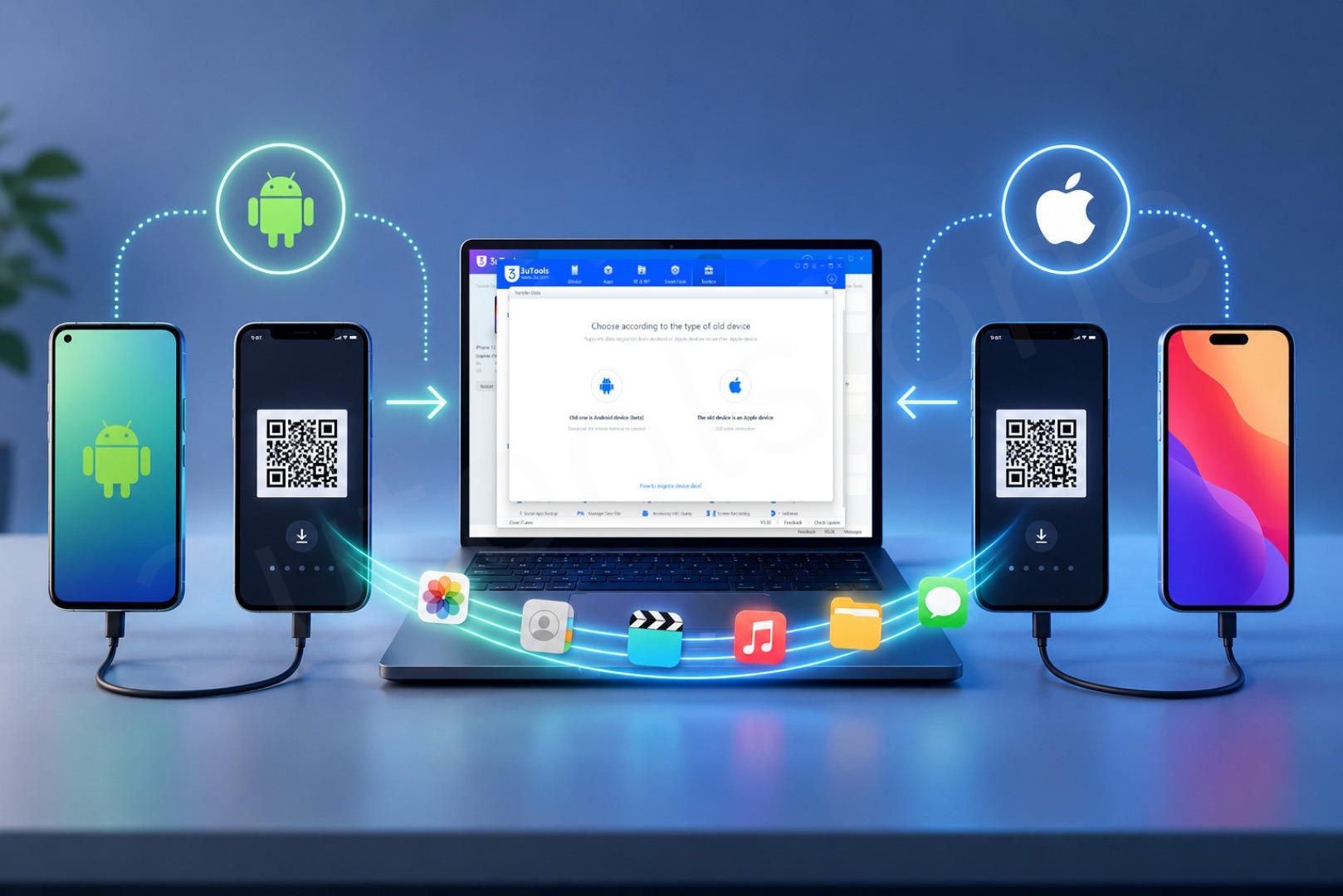
Transfer photos, music, videos, contacts, and documents between your iPhone / iPad and PC easily. You don’t require iTunes to manage your files; 3u simplifies the process.
Backup and Restore
Make backups and restore your device from those backups whenever required. 3uTools takes care of everything, whether it is a full or a selective backup.
App Management
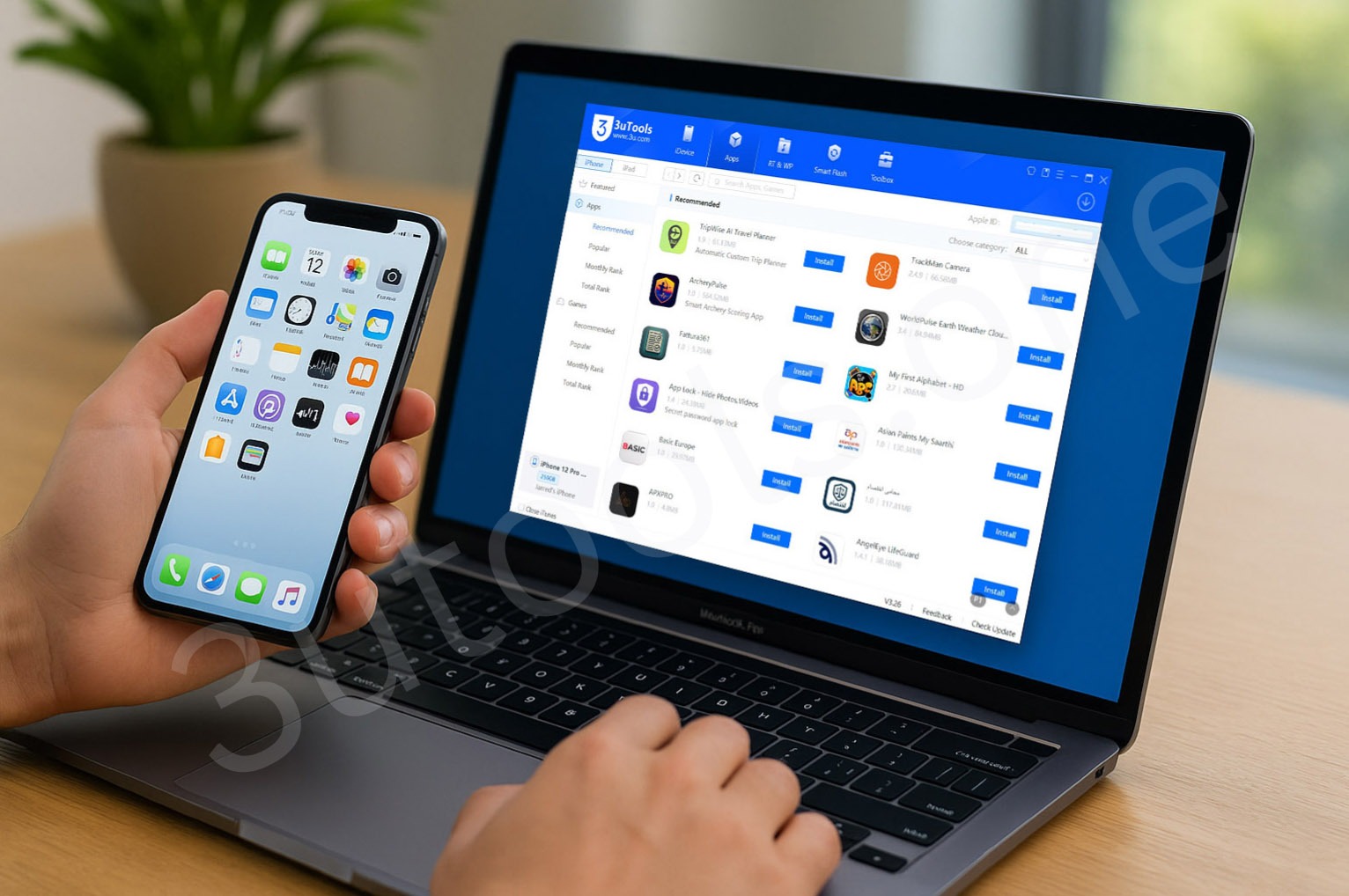
This means that you can also install and remove apps without the need for an Apple ID. You can also use 3u to update and organize your apps on your PC.
Battery and Device Health
View your battery health and the performance of your device. 3u provides details that will help you keep your device running smoothly.
Ringtone Maker and Screen Mirroring
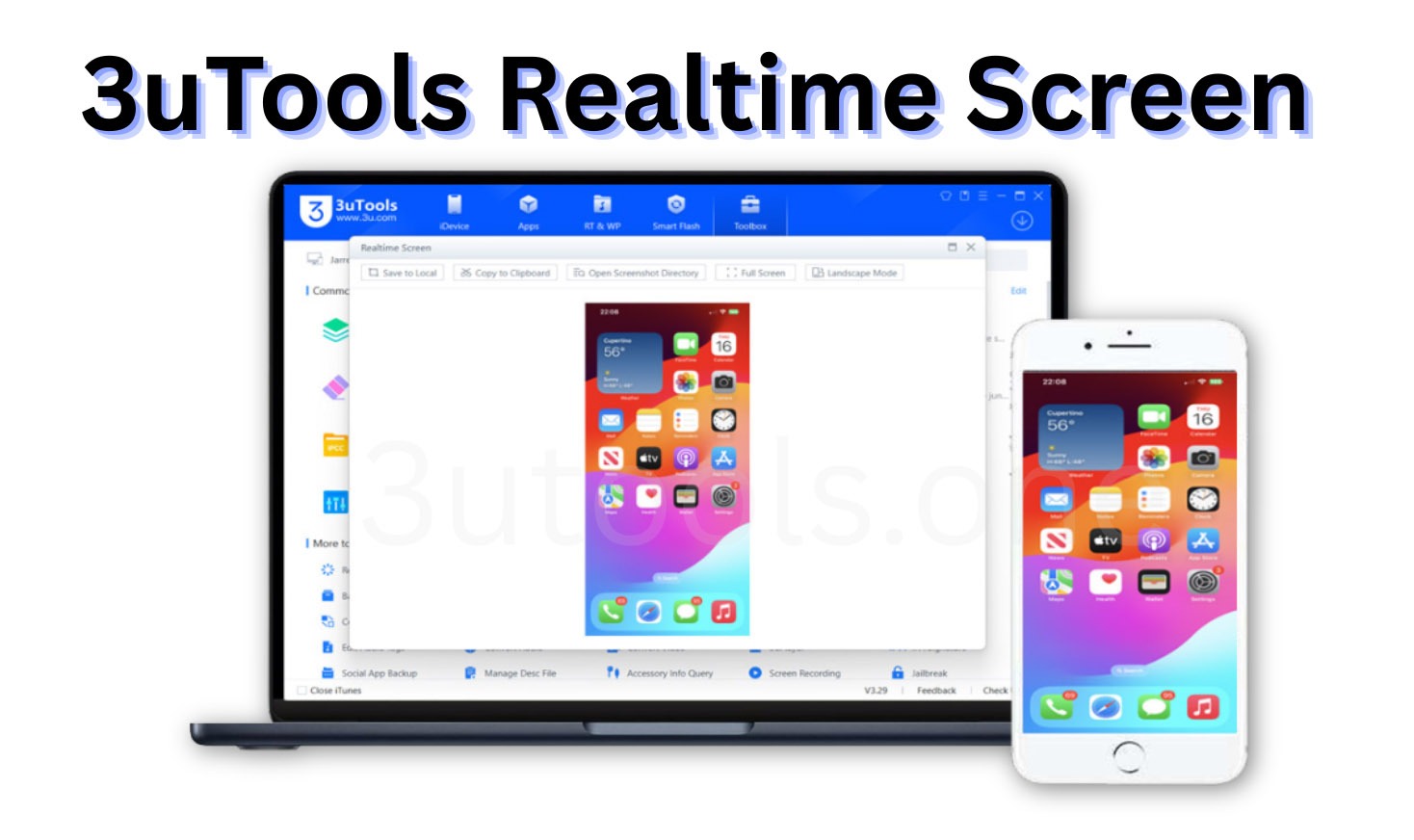
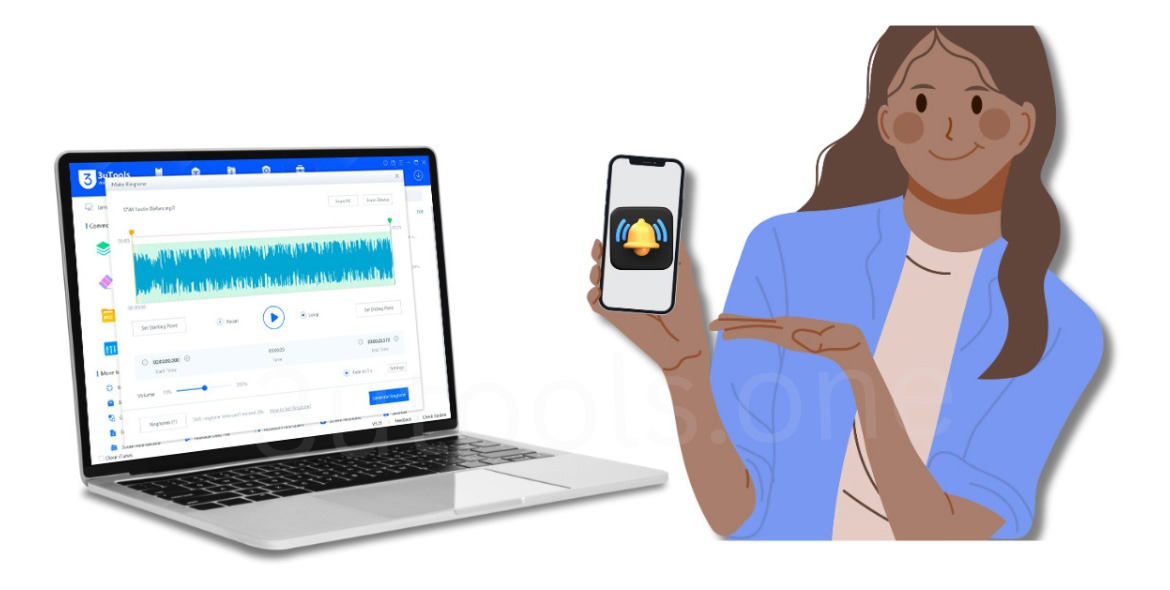
Make ringtones and send them to your iPhone device. For presentations and game mirroring, you can also mirror an iPhone screen to a PC.
3uTools Guides
-
How to Transfer Data Between iPhone and PC Using 3uTools (Complete Step-by-Step Guide)
-
What is 3uTools Realtime Screen and How to Use It?
-
How to Backup iPhone Using 3uTools?

-
How to Bind Your iPhone with 3uTools App – A Complete Guide

-
How to manage and install iOS apps without iTunes and Apple ID – using 3uTools?
-
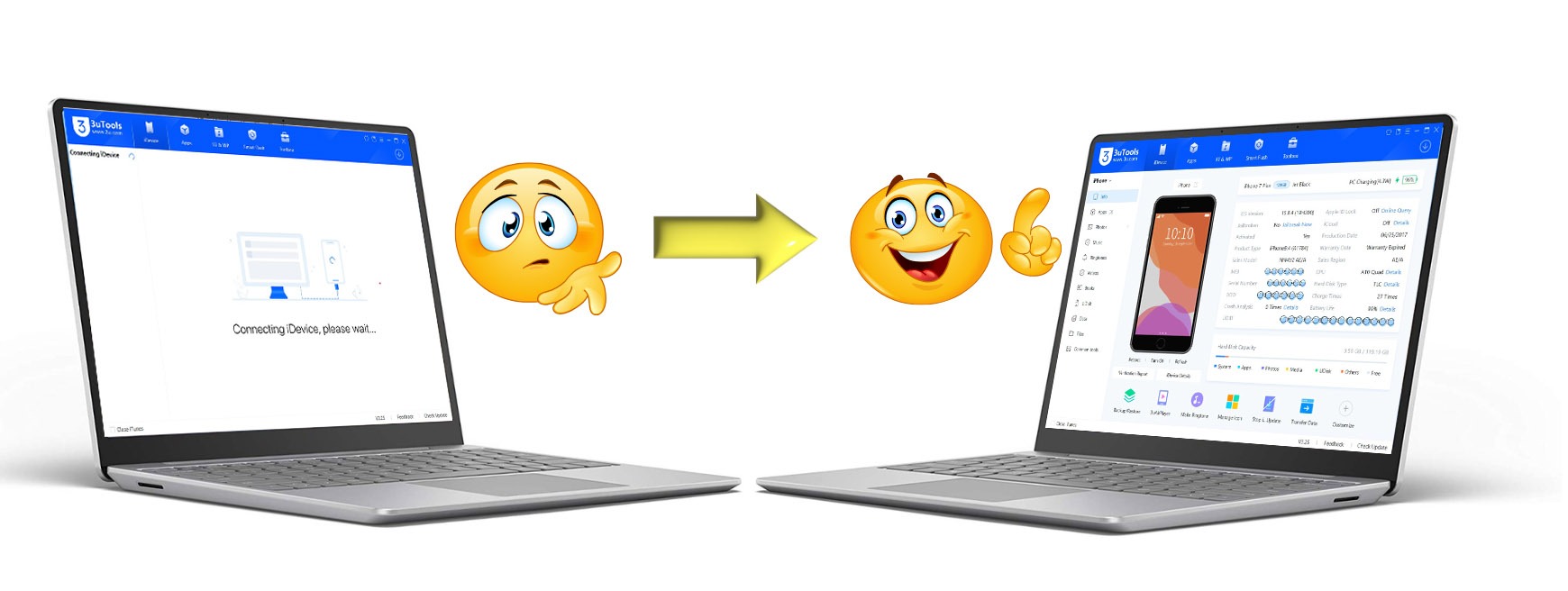
How to Fix Can’t Connect Your Windows or Mac Device with 3uTools
-
How to Create Custom Ringtones for iPhone via 3uTools – Step-by-Step Guide
-
The Complete Guide to 3uTools Firmware – Download, Flash, and Install iOS
3uTools for Windows
If you are a Windows user, then you can use 3u to manage your iPhone or iPad perfectly. You can flash firmware, transfer files, manage apps, and check for device health directly from your computer. It’s free, simple to use, and plays nicely with all iPhones and iPads.
3uTools for Mac
3uTools is also available for Mac devices, but some features may be limited on the Mac compared to Windows. It does still offer file transfer, backups and device health monitoring, so it’s still a good option for Mac users looking for more control over their iOS devices.
3uTools for iOS
Some regions have a direct download and install version of 3uTools for iOS for iPhone and iPad users. It enables you to install apps without an Apple ID, gives you more control over your device, and can improve your iPhone or iPad’s performance.
3uTools for Linux
After successful iPhone and iPad management on the Windows platform, it is now time for Linux Ubuntu / Debian / Fedora, etc. With the new 3uTools Linux version, you can install .deb or .rpm files directly from the command line, manage your iOS on-deck device, view system information overview, and perform all sorts of advanced operations without fussing around in Windows. This release makes iOS devices run on Linux and makes them freer and more flexible and allows for full control of the device within a secure and lightweight environment.
Popular 3uTools Features
FAQs
3uTools is a free application for Windows, Mac, Linux, and iOS OS. It is designed to help users manage their iOS devices like iPhone, iPad, and iPod Touch from their computer. Those tools include app manager, file transfer, firmware flashlight, backups, device information, and many more.
Yes. 3uTools includes many features free of charge. You can download the software without paying for a subscription and use it to manage devices, use firmware tools, back up data from an iPhone or iPad, install apps on an Apple device, and more.
3uTools is primarily designed for Windows OS running 32-bit and 64-bit computers. Some features and alternatives are also available for Mac and Linux OS users through compatible solutions and installation methods.
3uTools supports a wide range of Apple devices, including many iPhone, iPad and also Ipod Touch, and Apple Watch. Compatibility will be specific to the version of iOS and the generation of the device.
When it comes to iOS management, 3uTools is the best tool you will ever need due to its huge amount of features, manage apps, transfer files, create backups, restore devices, flash firmware, view battery health, install IPA files, create custom ringtones, and access many advanced iOS management tools.
With proper usage from trustworthy sources, 3uTools presents a secure method to manage iOS devices. It is advisable for users to download software only from trusted sites and perform backups before implementing major system changes.
Yes. Firmware flashing is one of the most popular features of 3uTools. Users can download the device firmware, update their devices, reset to factory settings, and troubleshoot software problems.
Yes. 3uTools includes backup and restore tools, able to save all the important data, photos, messages, and settings before upgrading or restoring your devices.
Some device drivers may depend on Apple components, but for many device management features, 3uTools already includes these in their own interface to make iOS management much easier and convenient.
You can download the recent version of 3uTools from reliable sources and follow up-to-date Windows, Mac, and Linux installation guides to experience the best performance and compatibility.
Conclusion
The 3uTools app is the best alternative to iTunes. It gives you more control over your iPhone and iPad without restrictions. Whether you want to flash firmware, transfer files, jailbreak, or check your device’s health, 3uTools is the perfect tool. Download 3uTools for free today and take full control of your iOS device